Microsoft SQL Server
A Microsoft SQL Server (MSSQL) persistence connection can be used to connect your ScaleOut Active Caching module to an MSSQL database. This allows modules to persist modifications to SQL Server and retrieve saved values when the module first creates an object.
To connect to a MSSQL database, supply a SQL database connection string. This string is an expression that contains the parameters required for applications to connect to the database server.
Here is a screenshot of the dialog in the ScaleOut Active Caching UI for creating a Microsoft SQL Server connection:

The “Create table if missing” option causes the connection to automatically create the table used to store instance data if it does not already exist in the database. The table will be named ScaleoutModuleInstances. The database specified in the connection string must already exist before the persistence connection is created, but it may be empty.
Enable Microsoft SQL Server Persistence for a Module
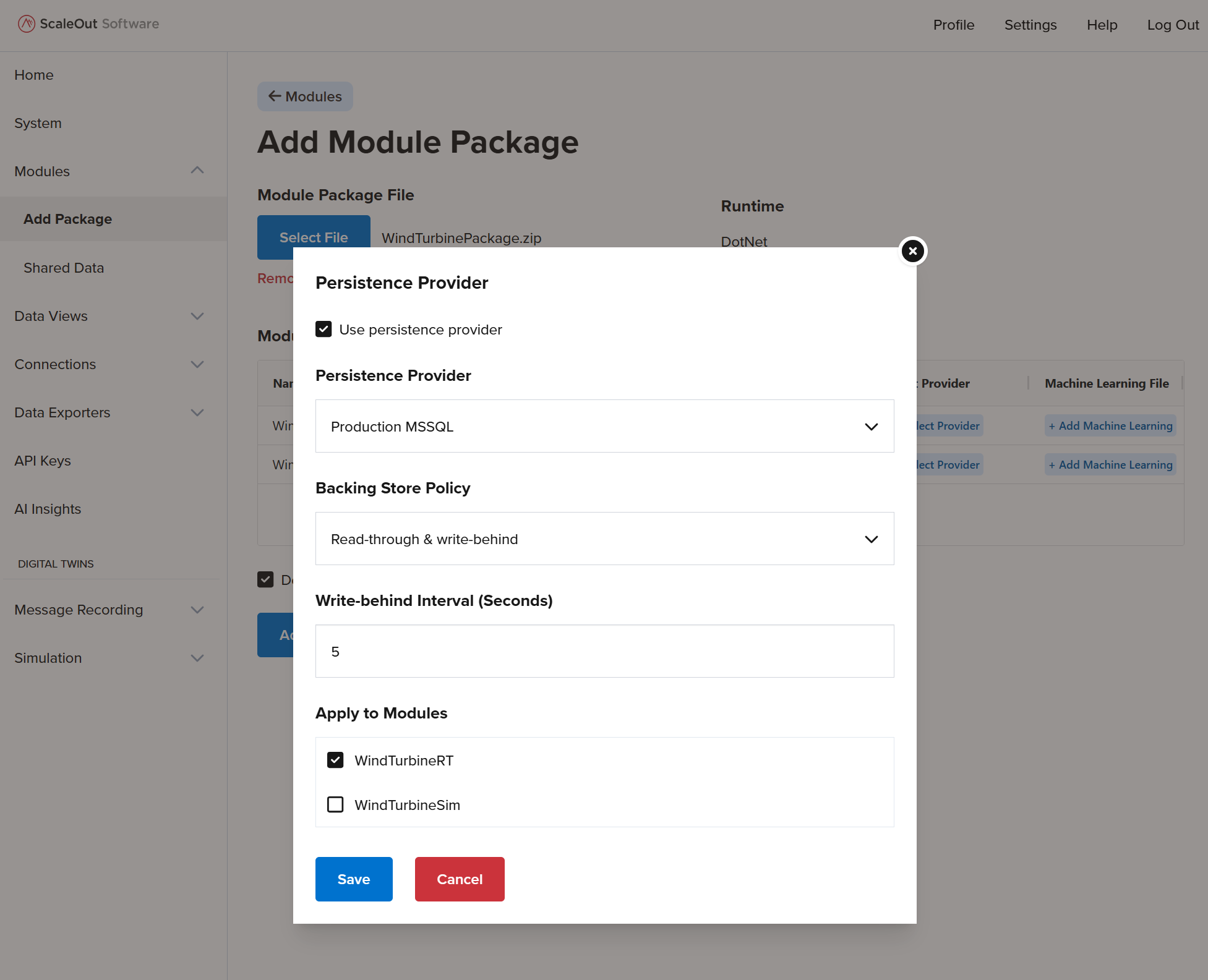
When launching your module package through the ScaleOut Active Caching UI, you can enable persistence on a module-by-module basis by selecting the Microsoft SQL Server persistence provider defined above.
If write-through is enabled, instances in your module will automatically persist their state to SQL Server every five seconds if their state has been modified.
If read-through is enabled, instances will retrieve their persisted state from SQL Server when they are first created.