Configuration
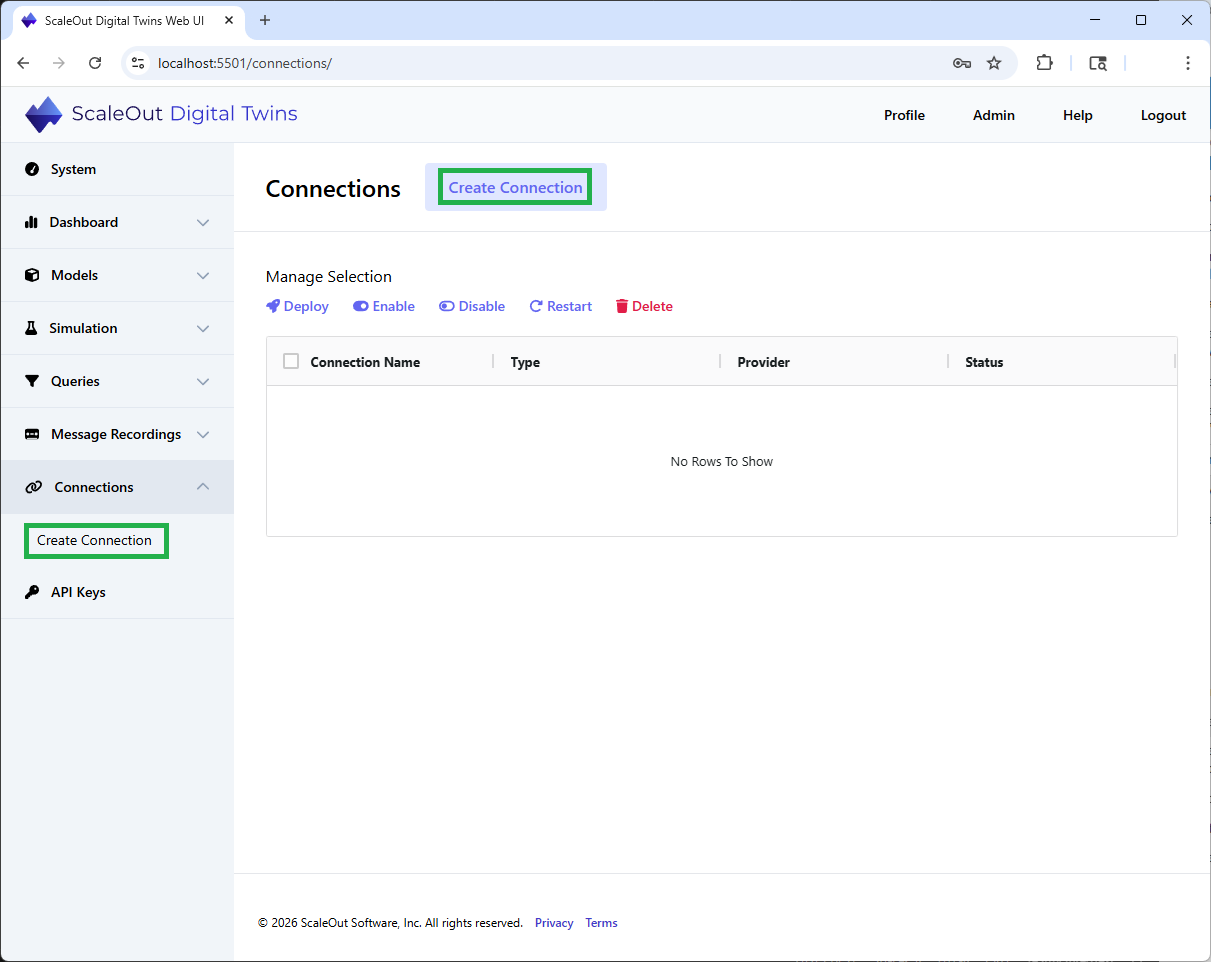
To configure a persistence provider, select the Connections section and click on Create Connection.
On that page you can choose the category of connection you want to create. The default category is for messaging connections. Select Persistence.
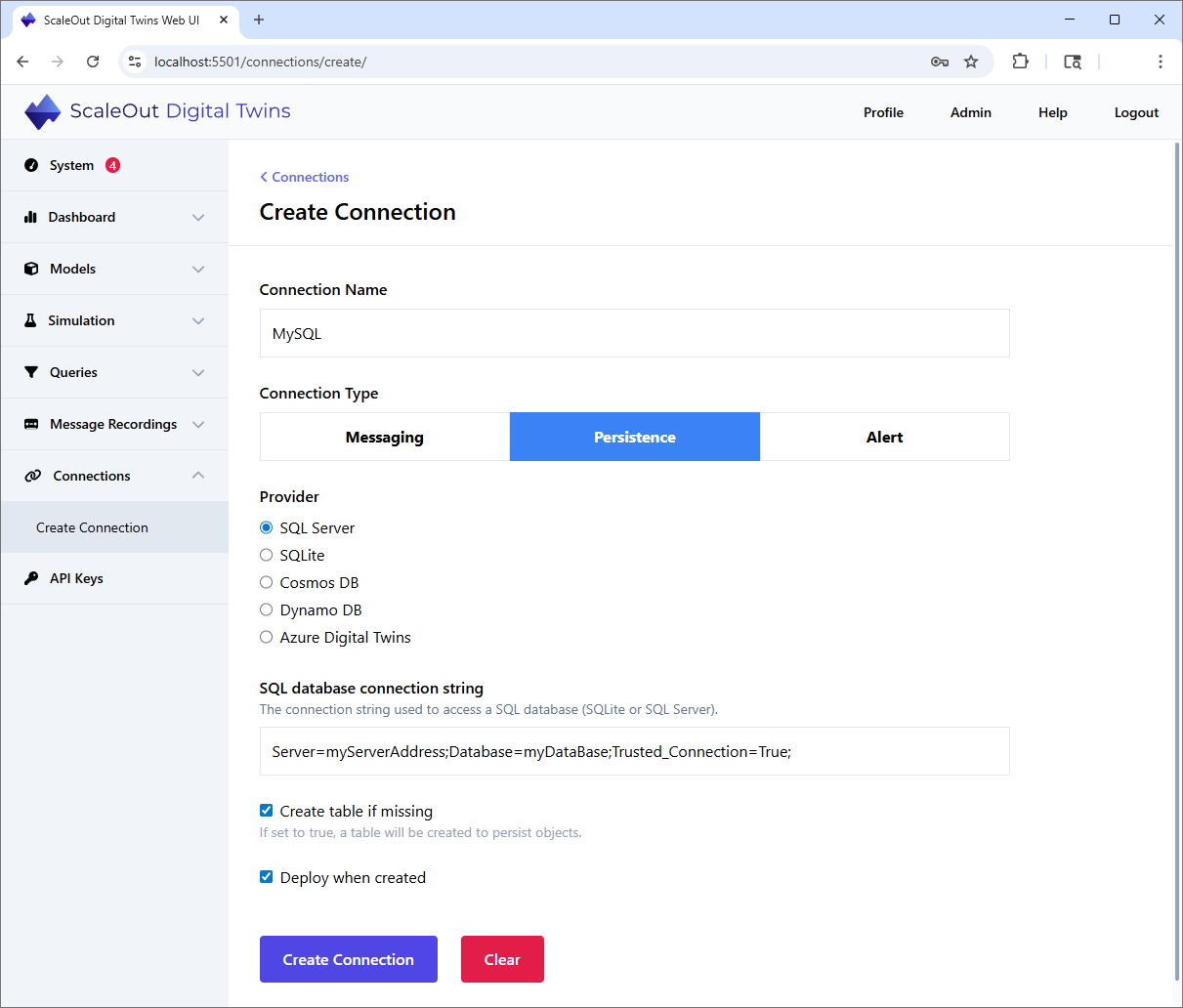
Pick the provider of your choice among the available options. Each provider has a required list of specific parameters to enter. Click Create Connection to complete the process.
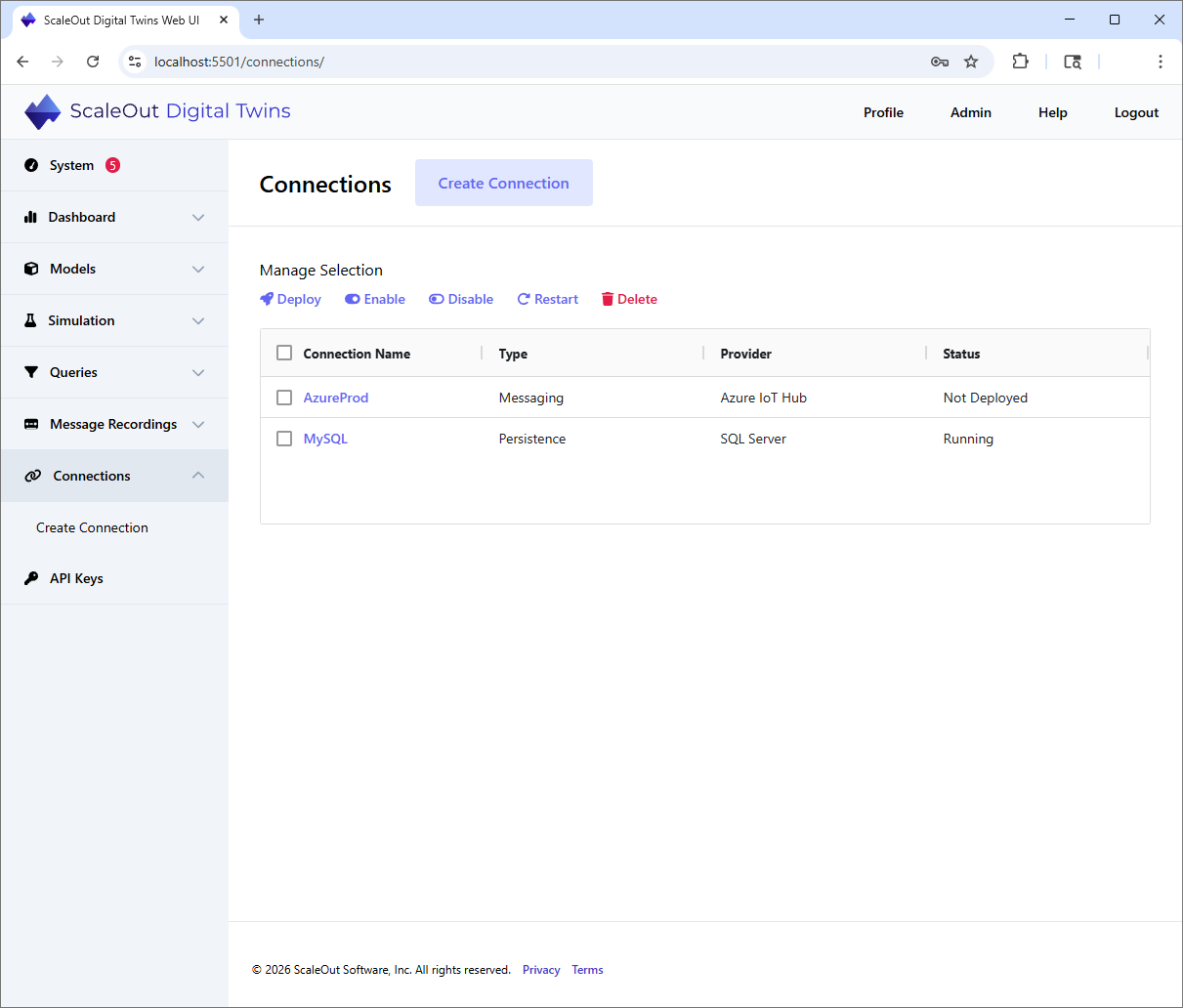
The newly created connection will appear on the Connections page.
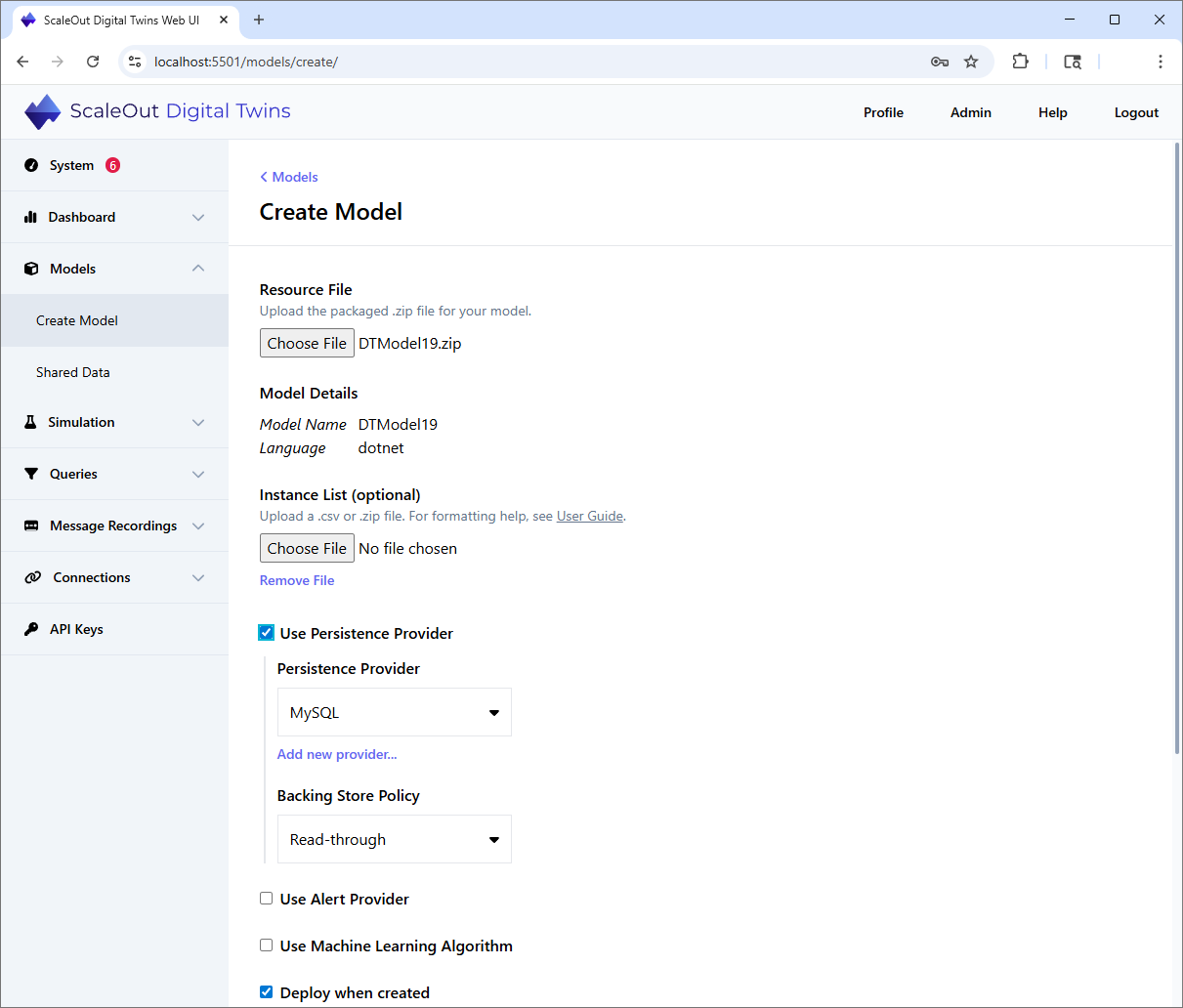
In order to use the new persistence provider you added, you will select it when deploying a new model. Check the box Use persistence provider and
select from the drop-down list the one you want to associate with this model: