Accessing the UI
Prerequisites
Before accessing the UI, first ensure you have installed ScaleOut StateServer® and the ScaleOut Active Caching Web Console. See Installation and Configuration for an installation guide.
Accessing the UI
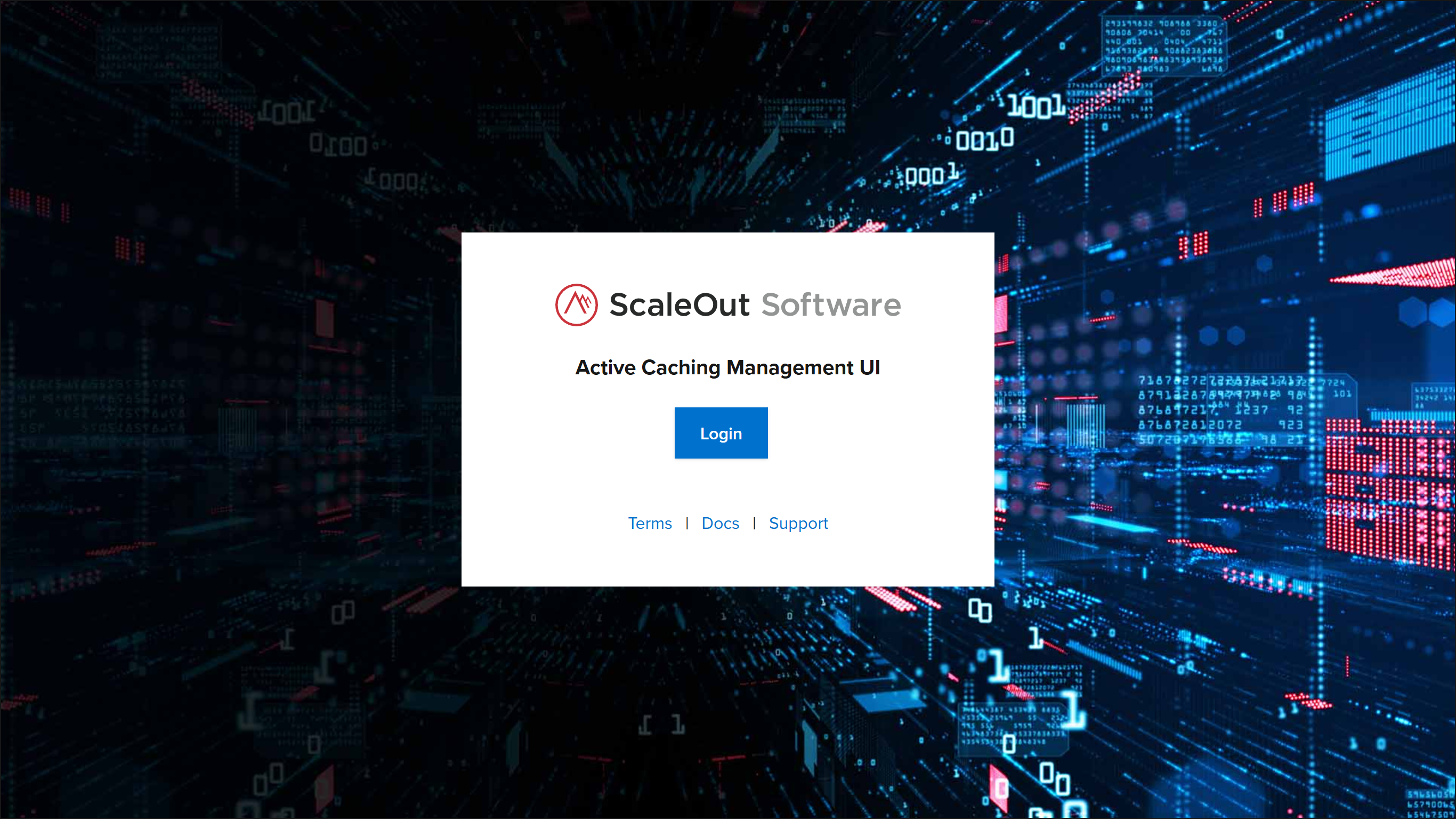
By default, the UI is hosted at https://localhost:7701. Open a web browser and navigate to this URL. You should reach the Login screen.
Logging In
From the Login screen, click the Log In button. To log in with the built-in administrator account, enter the following credentials:
Email:
admin@localhost.netPassword:
Sc@le0ut
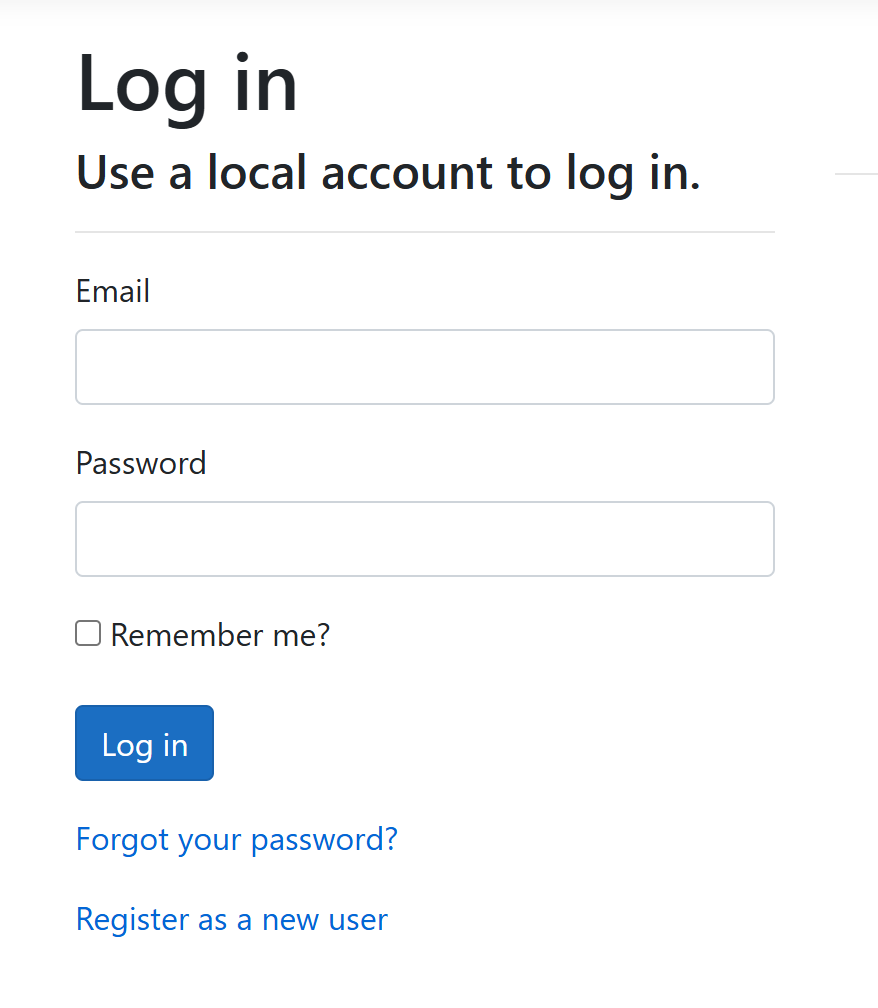
Click Log In to submit your credentials and be redirected to the homepage. This page gives an overview of the modules, data views, and connections that are currently in the system. From here, you can access any of the UI’s features, including adding or managing a module, creating a chart or query, or adding a connection to an external messaging or persistence provider.
Important
Before logging in with a new user account, an Administrator must have already added the user as a member of the organization. For more about user account management, see Managing Users.
Logging Out
When logged in to the UI, click the Log Out link in the bottom left corner of the screen to end your session and return to the login screen.