Data Exporters
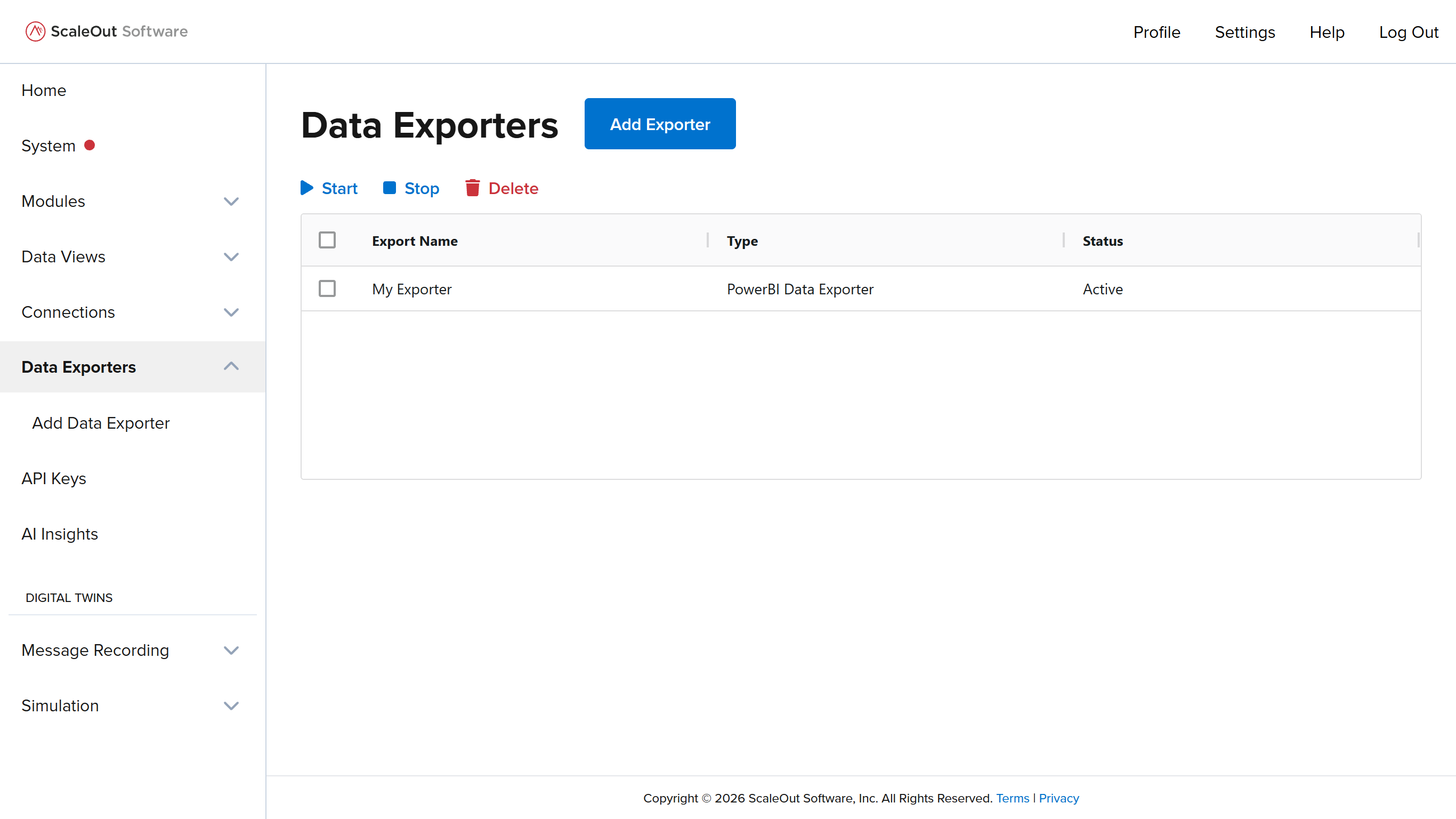
You can configure data exporters to export information, such as chart data, to external platforms such as Power BI. To manage data exporters, navigate to the Data Exporters page.
Adding Exporters
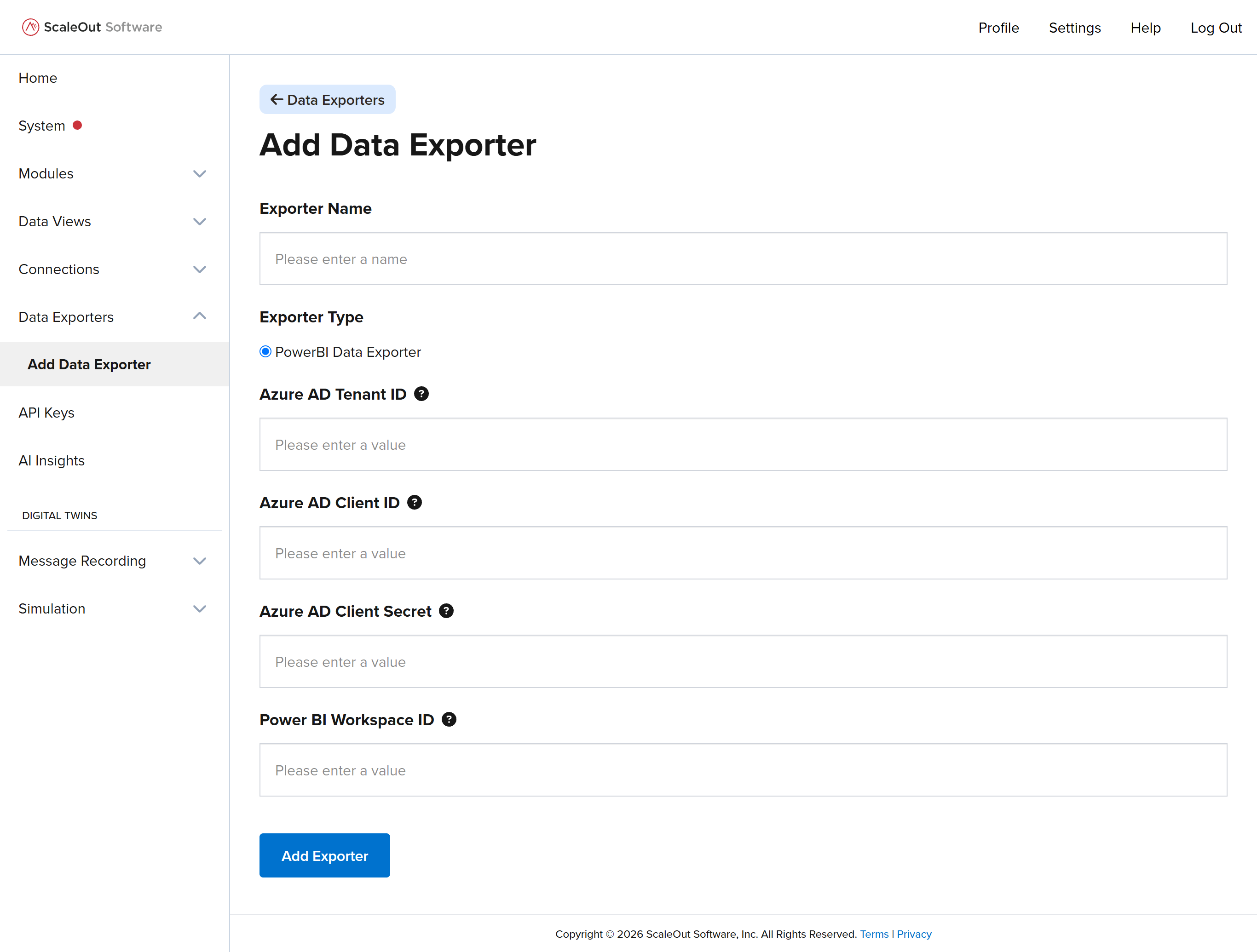
To add a new exporter, click the Add Exporter button at the top of the page. Enter a name for the exporter and select a provider. Fill in the rest of the form fields, then click Add Exporter to finish adding the exporter.
Managing Exporters
To manage exporters, first go to the Data Exporters page. The table shows a list of all exporters in the system. To start, stop, or delete one or more exporters, make a selection using the checkboxes, then click the corresponding button above the table.