System Status
This section describes how to view system status information in the UI.
Viewing System Status
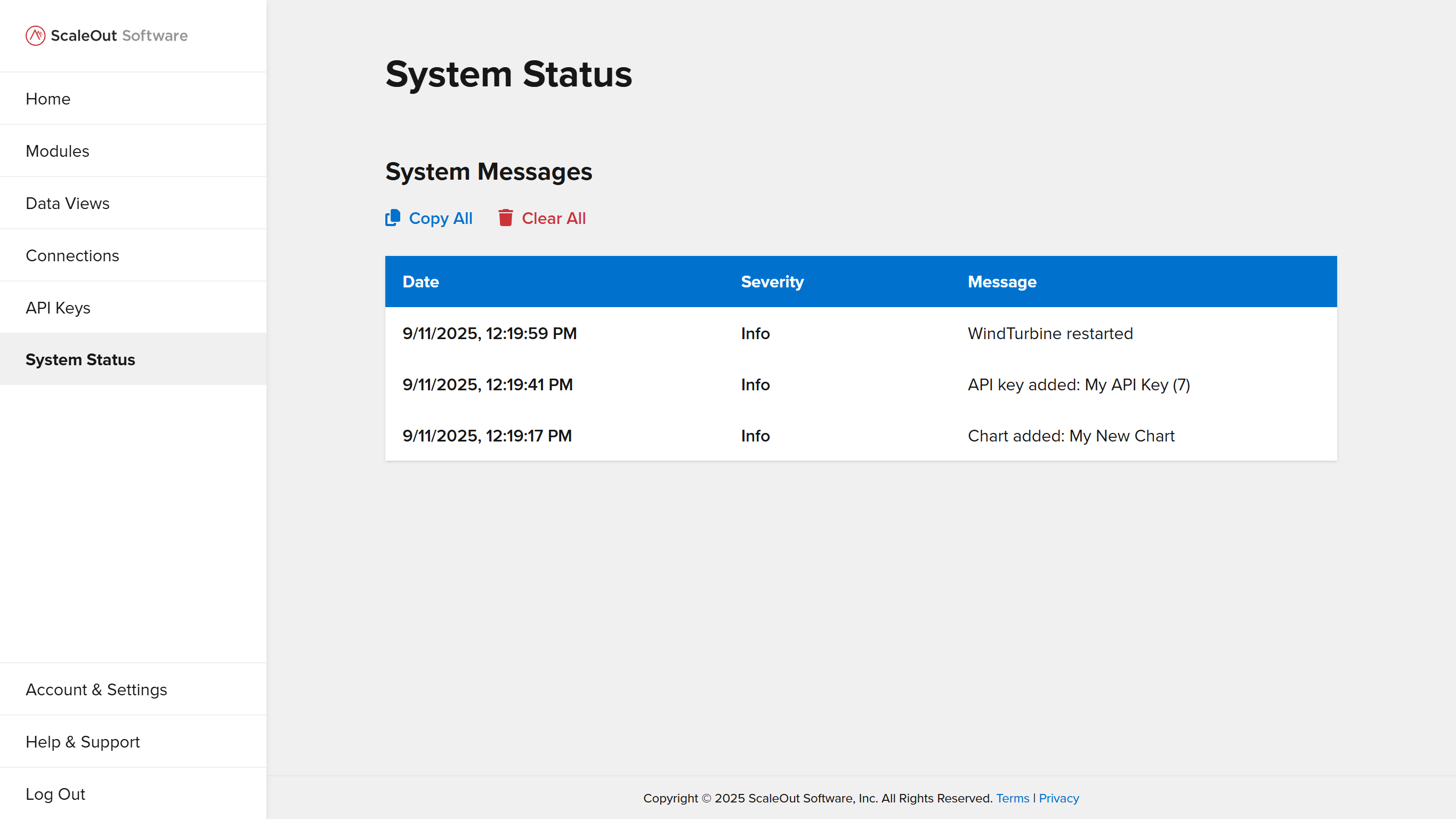
To view system statistics and messages, navigate to the System page in the UI.
Managing System Messages
A list of system messages is shown on the System page below system statistics. You can copy or delete these messages using the controls above the list:
To copy all messages to your clipboard, click the
Copy Allbutton.To delete all system messages, click the
Clear Allbutton.