API Keys
Creating an API Key
To create a new API key, navigate to the API Keys link in the left-side navigation bar.
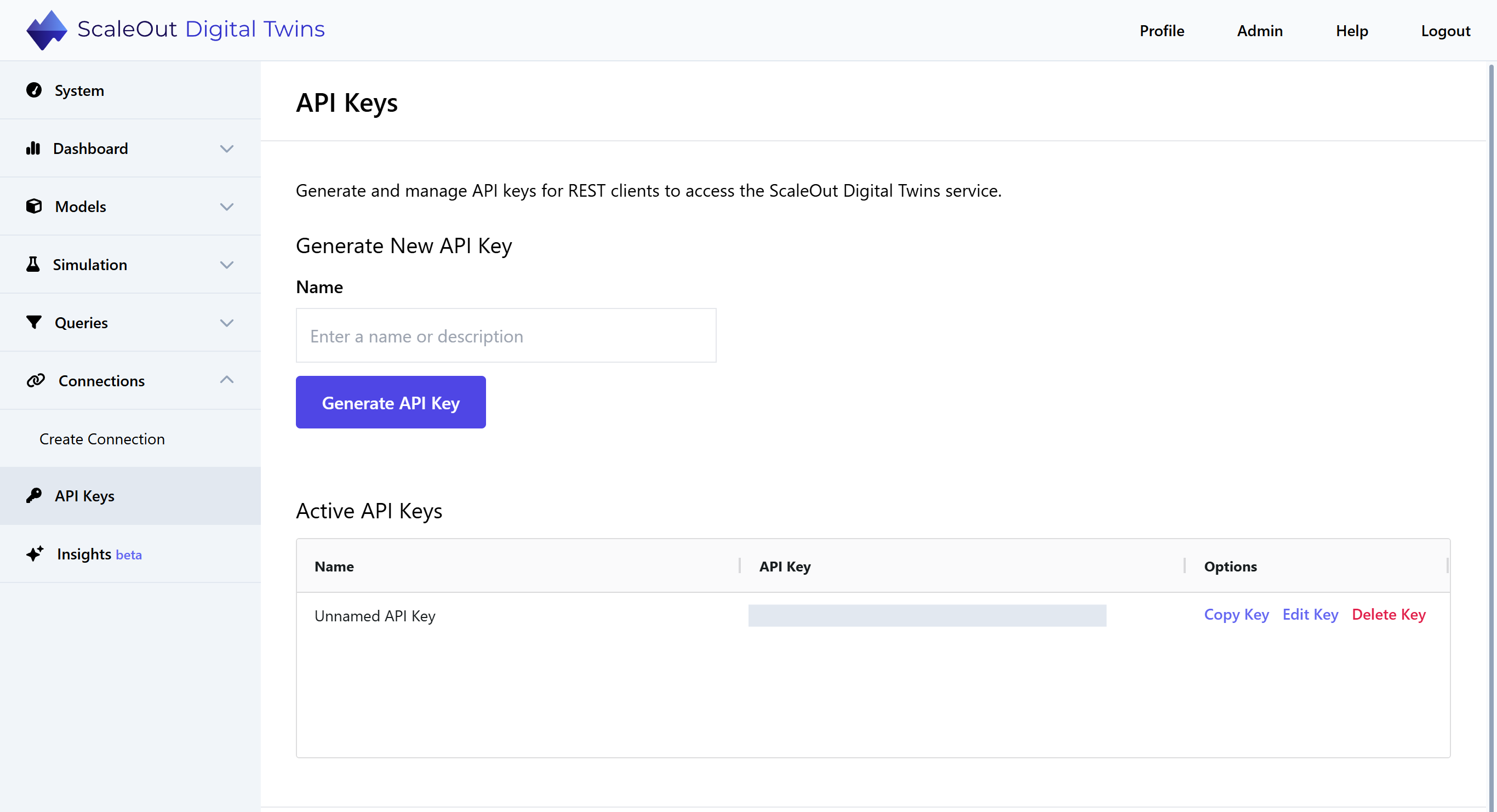
Specify a description for your API key (e.g., “My API Key”), then click the Generate API Key button to create the API key. You can also leave the name field blank, and the API key name will be “Unnamed API Key”.
Managing API Keys
You can view all currently active API keys directly below the API key creation section. Every active API key is listed with its description and options to copy, edit, or delete the API key.
Caution
Deleting an API key will immediately reject any devices using the API key to communicate with the ScaleOut Digital Twins™ service. Once deleted, API keys cannot be restored.
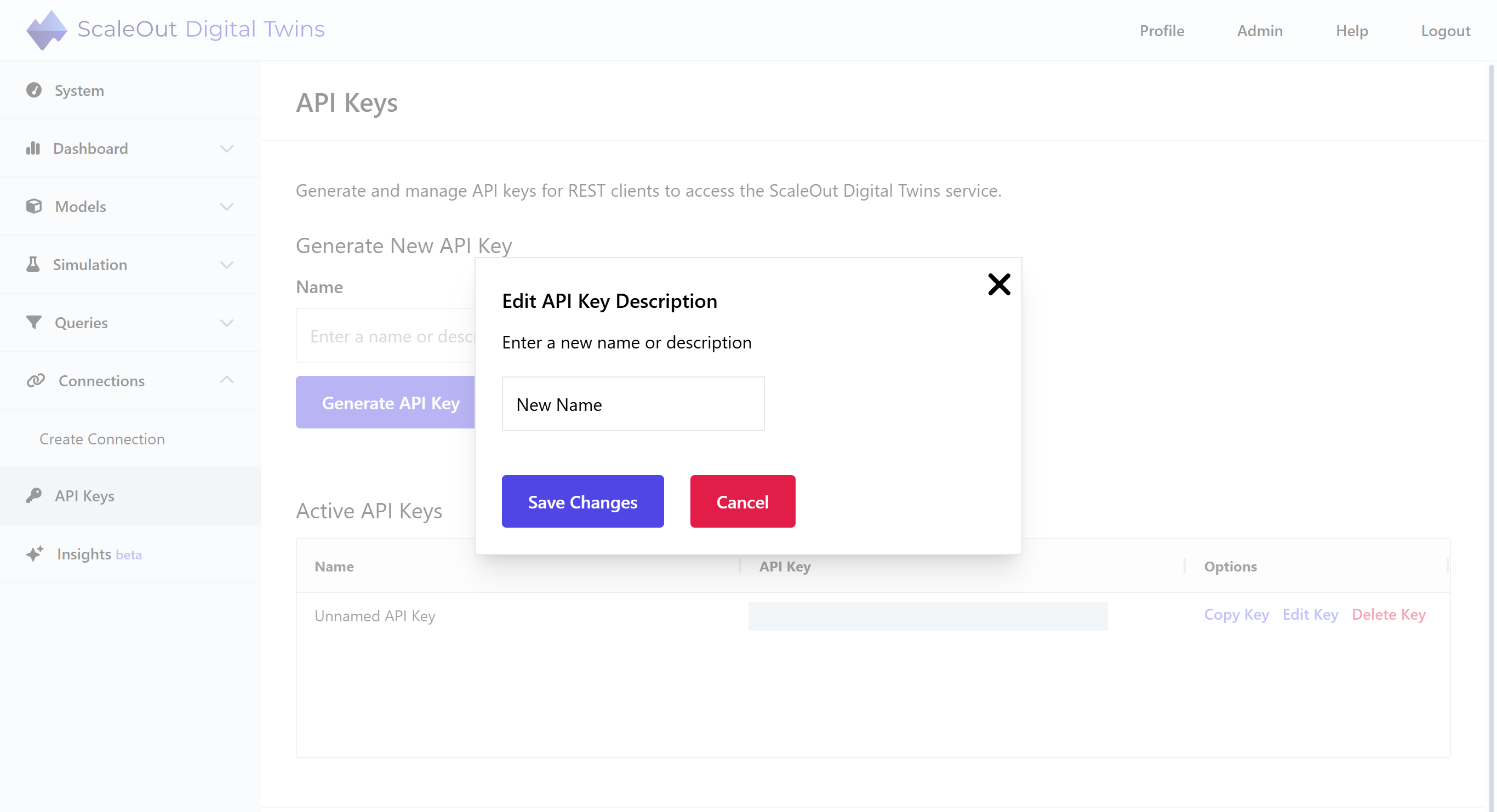
Editing an API Key Description
You can edit an API key’s description by clicking Edit Key in the table row corresponding to the key you’d like to edit. In the modal window, enter a new name or description for the API key and click Save Changes. Please note that it is not possible to modify the API key string itself.