Digital Twin Metadata
This section explains how to manage digital twin metadata in the UI. Digital twin metadata consists of a title and description for a digital twin, which may contain one or more digital twin models. This metadata can help AI agents understand the digital twin and inform their analysis.
Accessing Digital Twin Metadata
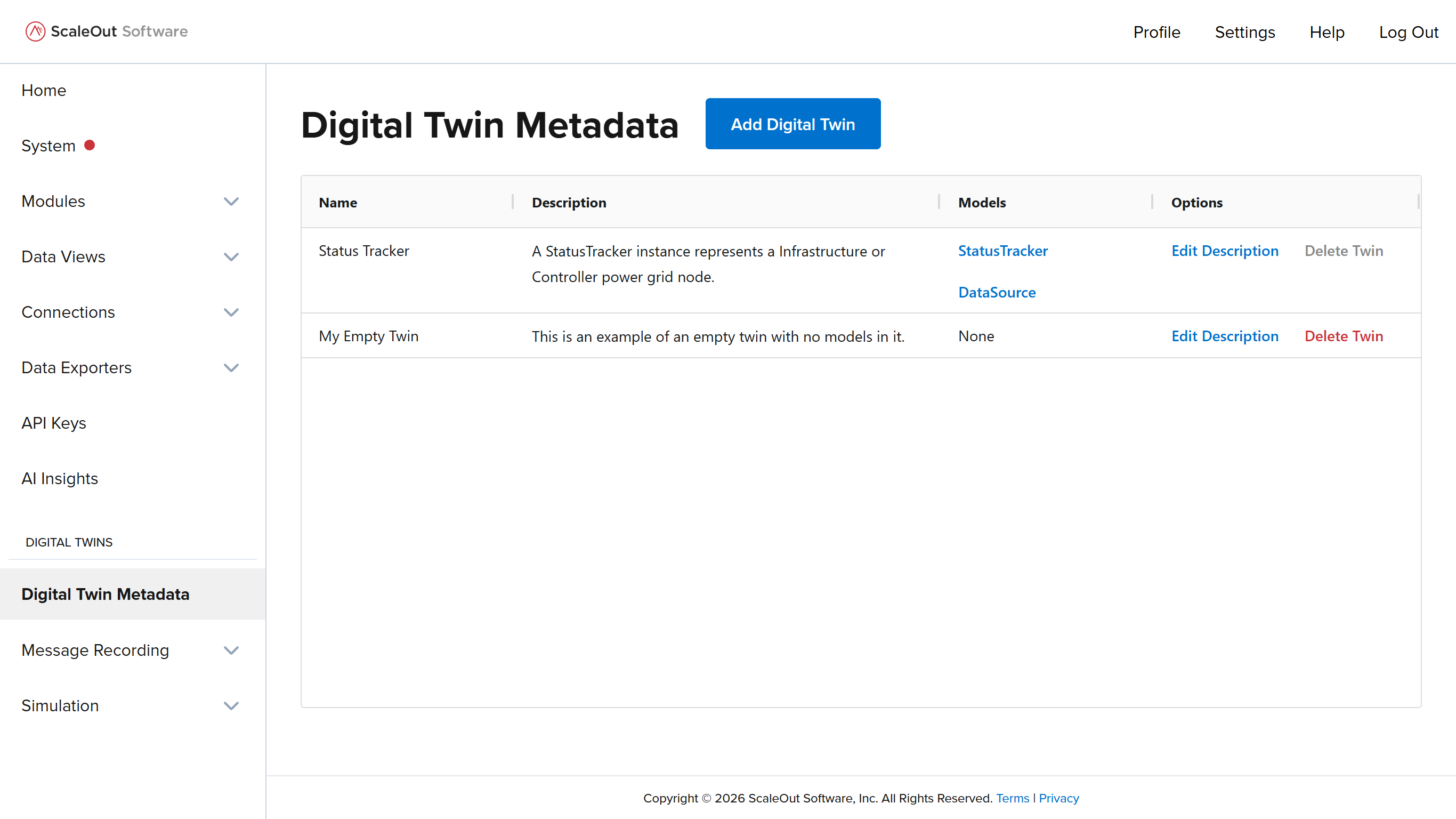
To access the digital twin metadata management page in the UI, click the link Digital Twin Metadata under Digital Twins in the sidebar. This page shows a table with all digital twin metadata that is currently in the system. The table lists each digital twin’s name, description (if any), models (if any), and management options.
Adding a Digital Twin
You can add digital twins in two ways:
Manually creating them on the Digital Twin Metadata page
Automatically when you add a module package that contains digital twin models
With Module Package Creation
Digital twins can be added to the system automatically when you add a module package. In this case, the modules in the package must be digital twin models, and they must be labeled with the digital twin they belong to. Labels are defined in scaleoutPackage.json in the module package zip file.
Note
In a given package, all digital twin models do not need to be associated with the same digital twin. They can be part of multiple different twins or no twins.
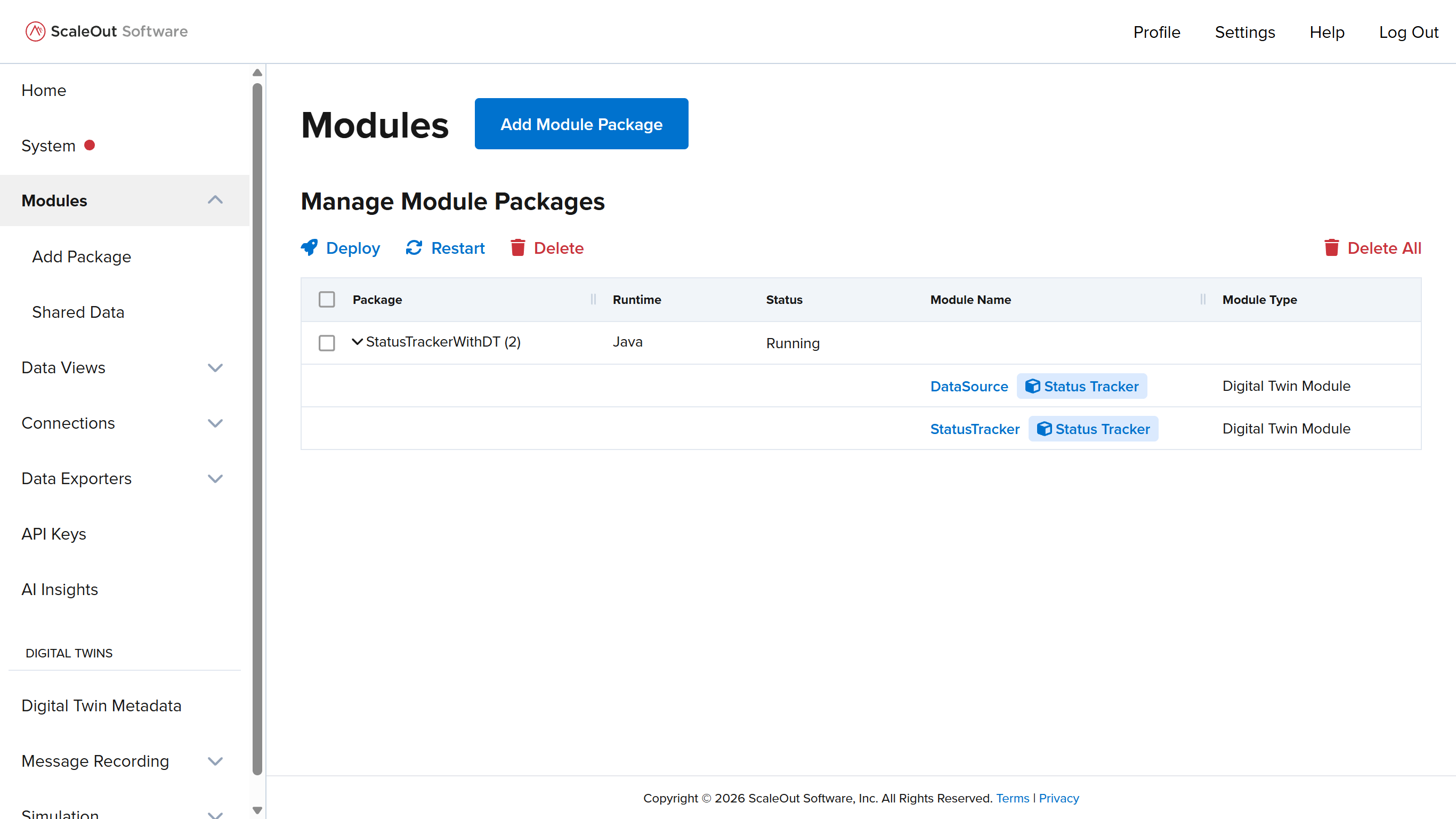
If a digital twin model is part of a digital twin, this is displayed in the UI after adding the package. The digital twin name will appear as a tag in the module packages table and on the detail page for the model.
Adding an Empty Digital Twin
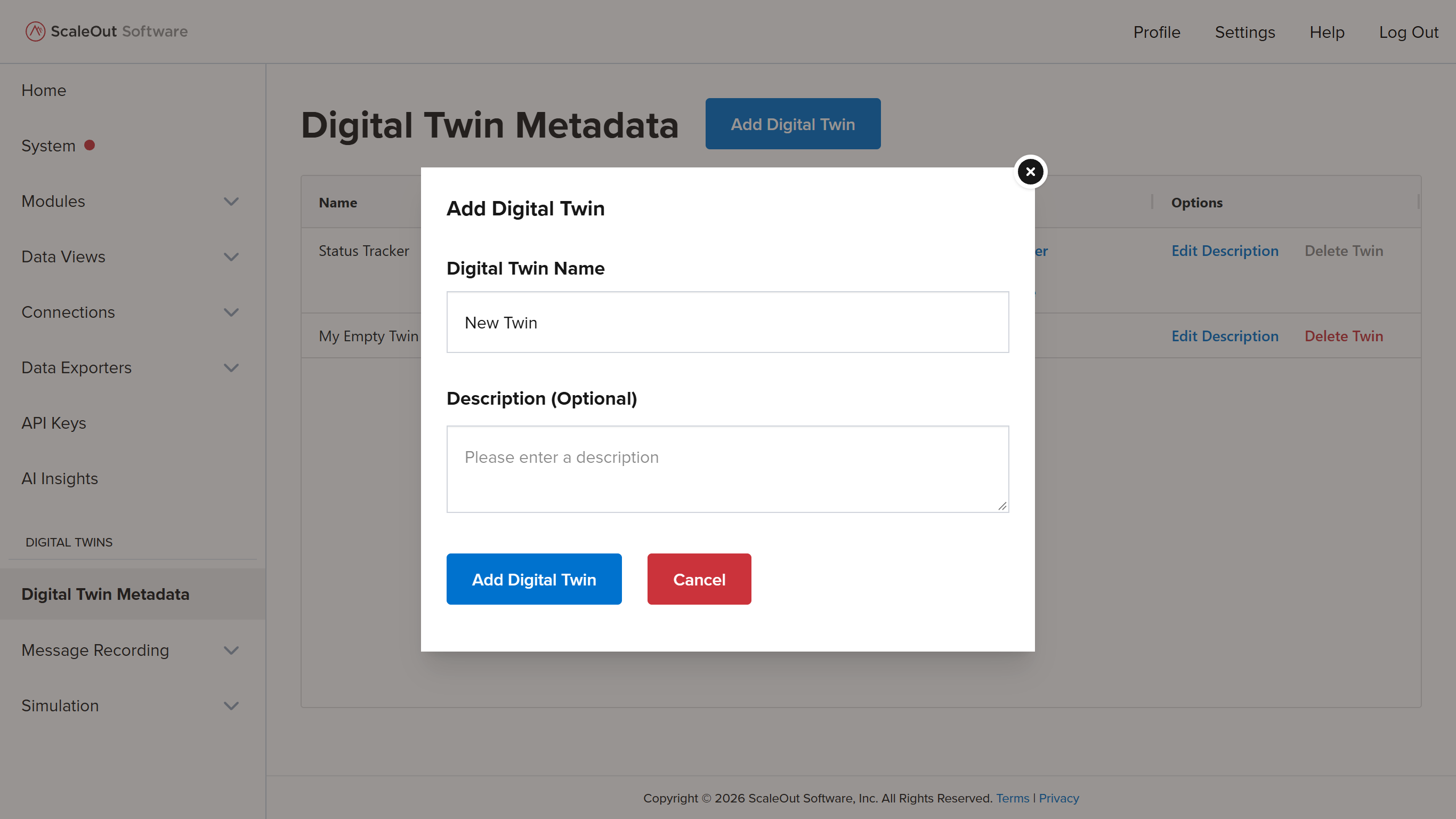
You can add an empty digital twin that contains no models on the Digital Twin Metadata page. To do this, click the Add Digital Twin button at the top of the page, then enter a name and optional description. Click Add Digital Twin in the modal window to finish adding the twin.
Note
If you create an empty digital twin and later upload models tagged with the same digital twin name, the models will be added to the existing twin.
Editing a Digital Twin Description
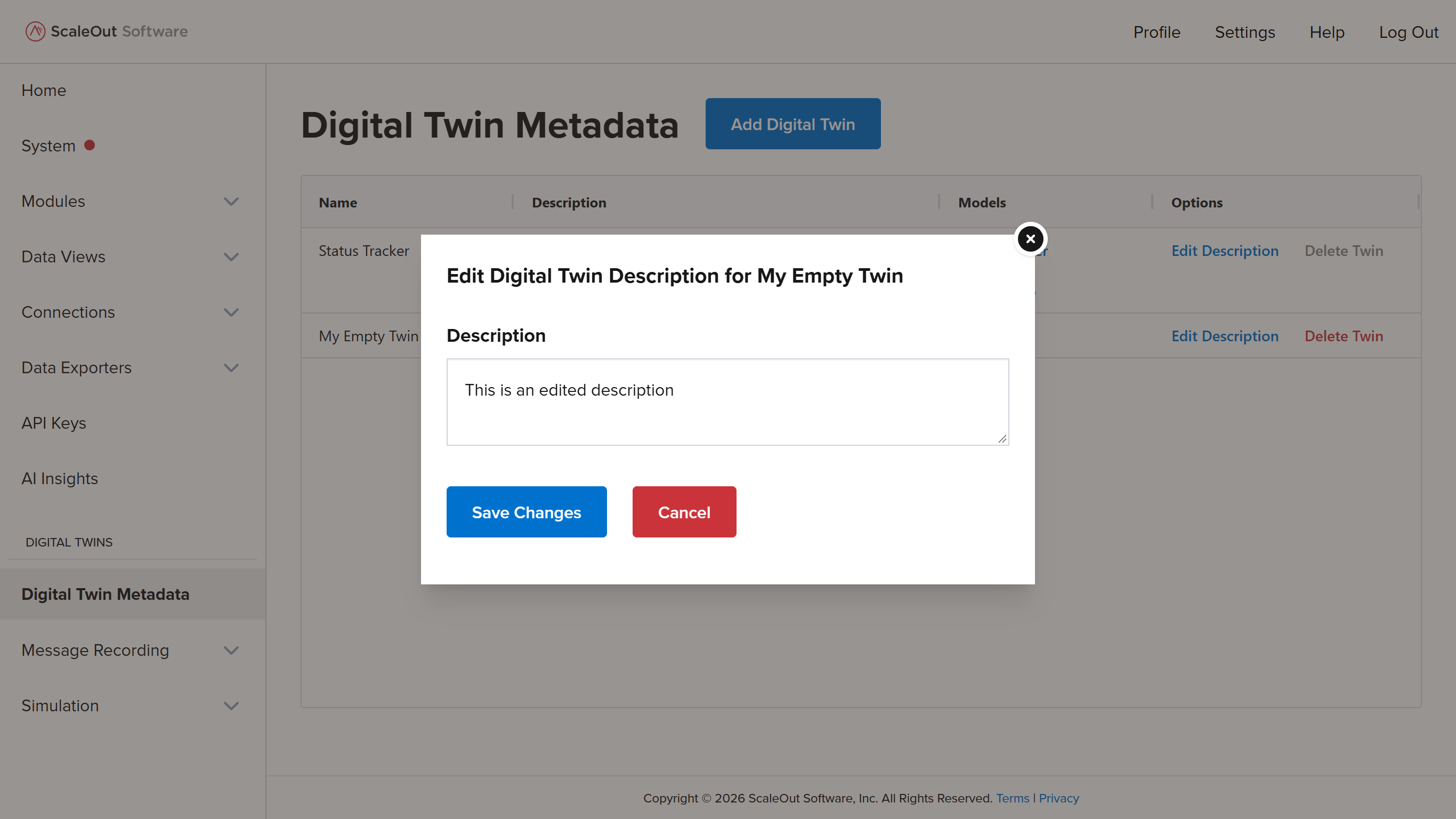
To edit a digital twin metadata description, find the Options column in the table and click the Edit Description button. Make any edits to the description, then click Save Changes in the modal window to apply the edits. You can also leave the description blank.
Deleting a Digital Twin
To delete a digital twin, click the Delete Twin button in the Options column of the table. Click the Delete Digital Twins button in the confirmation window to proceed. The digital twin will be deleted immediately.
Note
Digital twins can only be deleted if they are empty and contain no models.